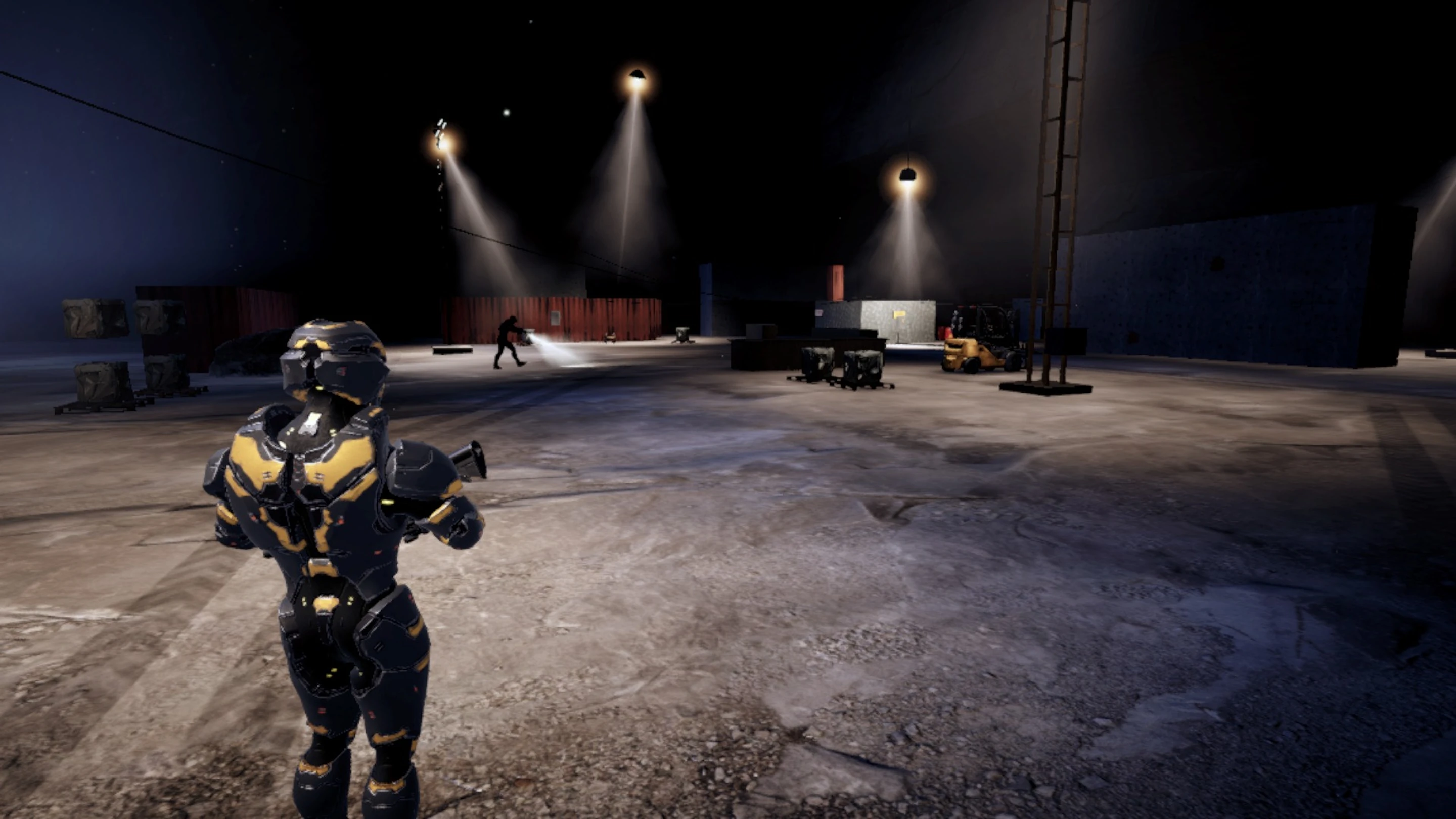

Mobile game · iPhone and Android
Eye & Hand — A co-op stealth game for two
One watches. One acts. العين واليد
In short
Eye & Hand (العين واليد in Arabic) is a co-op stealth game for two players, made by Zakaryae Ait Ouamer, an independent developer, for iPhone and Android. One player goes in on foot as the Operator; the other covers the ground from a sniper’s nest as the Overwatch, and neither can finish an operation alone. The game has three night operations, BLACKOUT, INTERCEPT and SILENCE, and FREE ROAM, which joins their three places into one map, by day, with no guards, no mission and no timer. You can play solo, with an AI partner in the other seat, even offline, or online with a friend by sharing a room code, with optional voice chat. The whole game is in English and Arabic, and in French from version 1.3. It is free to play, and no account is needed. Version 1.0 has no ads and no in-app purchases; from version 1.3, one ad may show after a solo operation, you can buy optional cosmetic items and Remove ads, and you can sign in with Apple or Google Play Games to keep your progress. It is coming soon to the App Store and Google Play. For support, email contact@zakarya.dev.
- Developer
- Zakaryae Ait Ouamer
- Platforms
- iPhone and Android
- Players
- 1 or 2: solo with an AI partner, or two online
- Languages
- English and Arabic; French from version 1.3
- Price
- Free; ads and optional in-app purchases from version 1.3
- Availability
- Coming soon to the App Store and Google Play
Two seats, and it takes both
The Operator
Goes in on foot: moves through the dark, hides, picks the moment, opens doors and carries the data out.
The Overwatch
Watches from a sniper’s nest: scans the ground, marks the guards, warns, covers and takes one shot at a time.
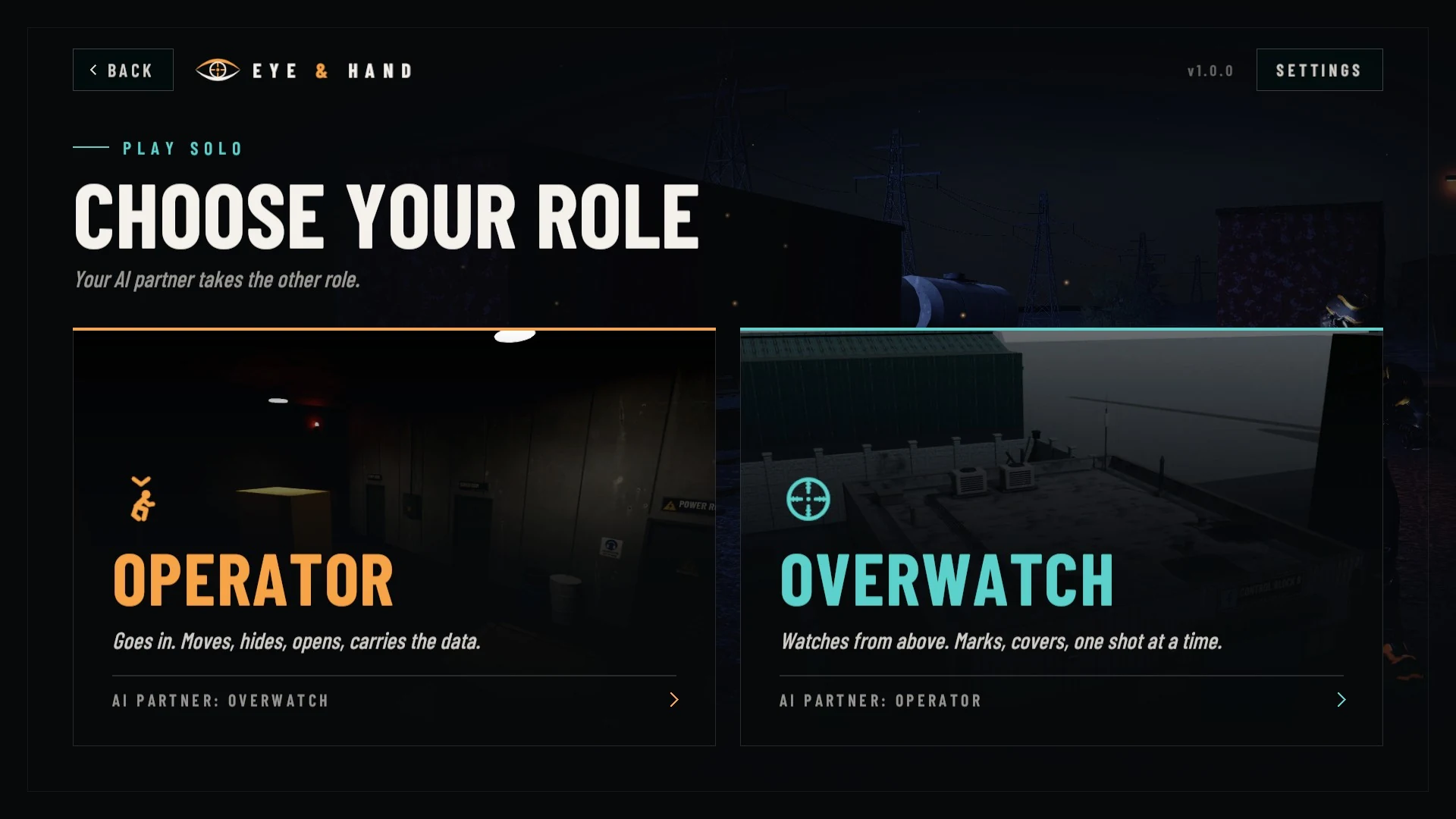
The Operator sees only what is in front of them; the Overwatch sees the whole ground from above but is not down there. Talk, time it, move together. When the plan breaks, the Overwatch can climb down and fight on foot, and either player can get the other back up.
Three night operations
Each operation opens the next.
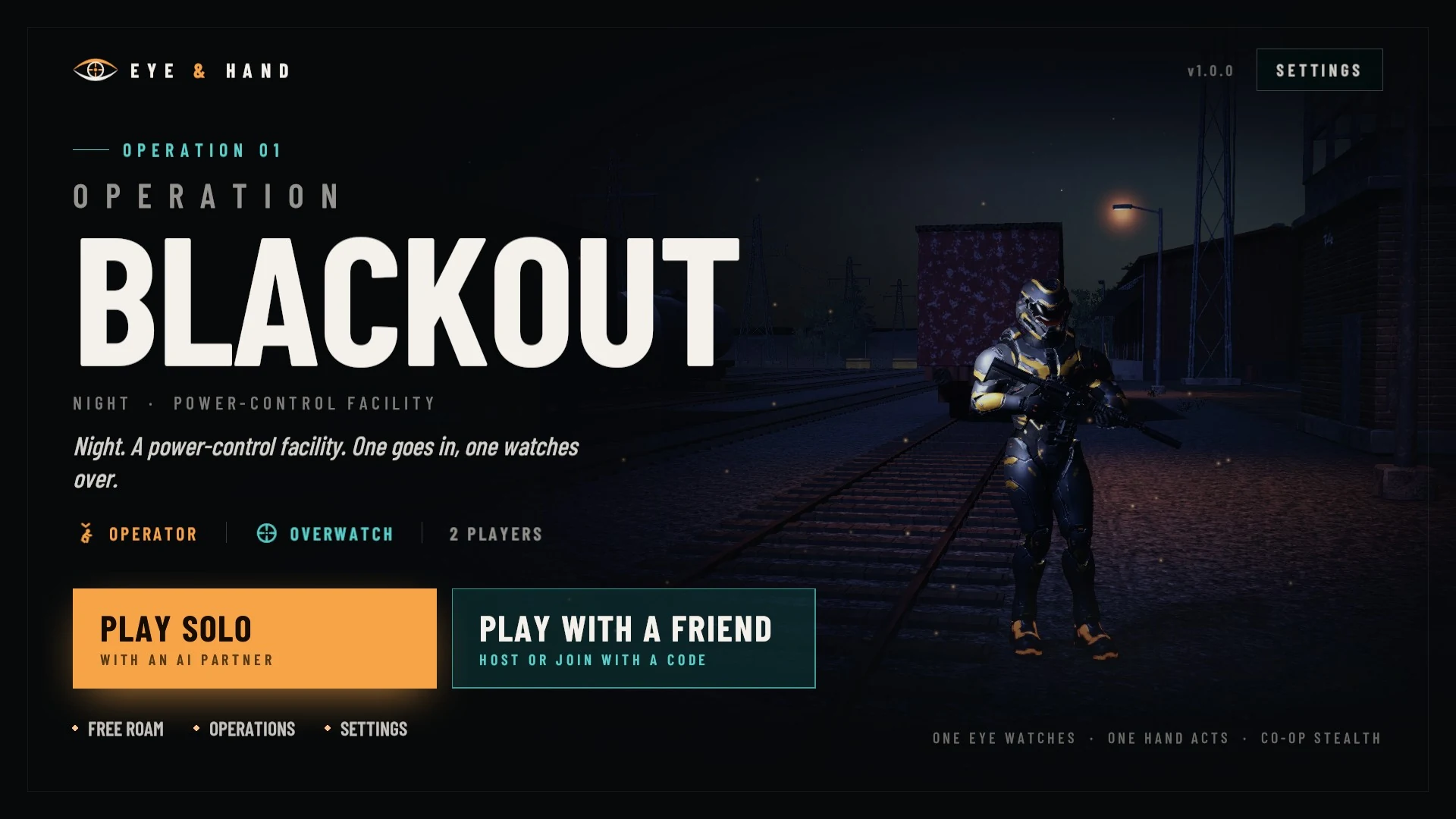
Operation 01
BLACKOUT
A power-control facility at night
One goes in, one watches over.
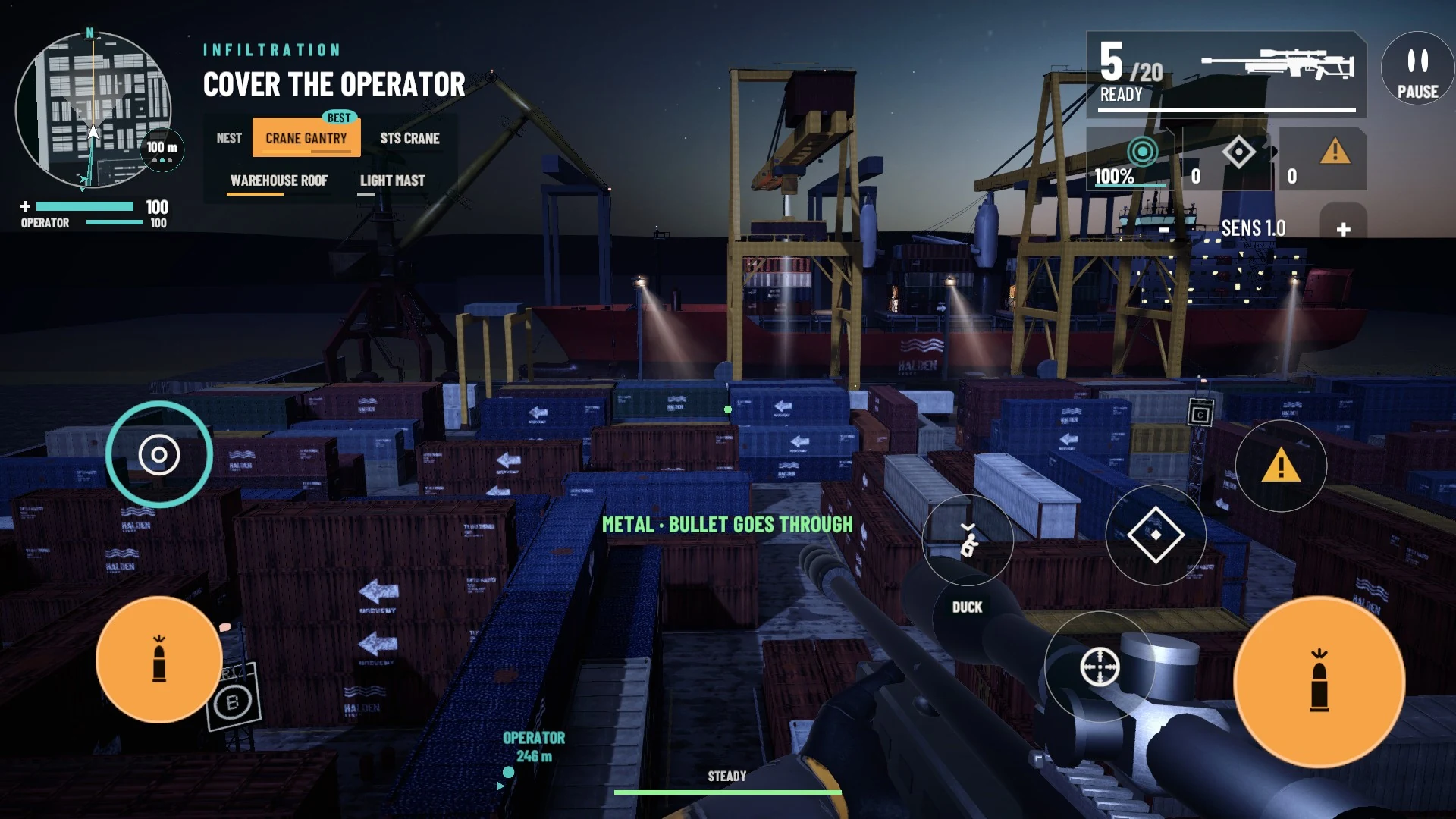
Operation 02
INTERCEPT
A freight terminal and its cargo ship
Break the signal together, then tag the courier.
Operation 03
SILENCE
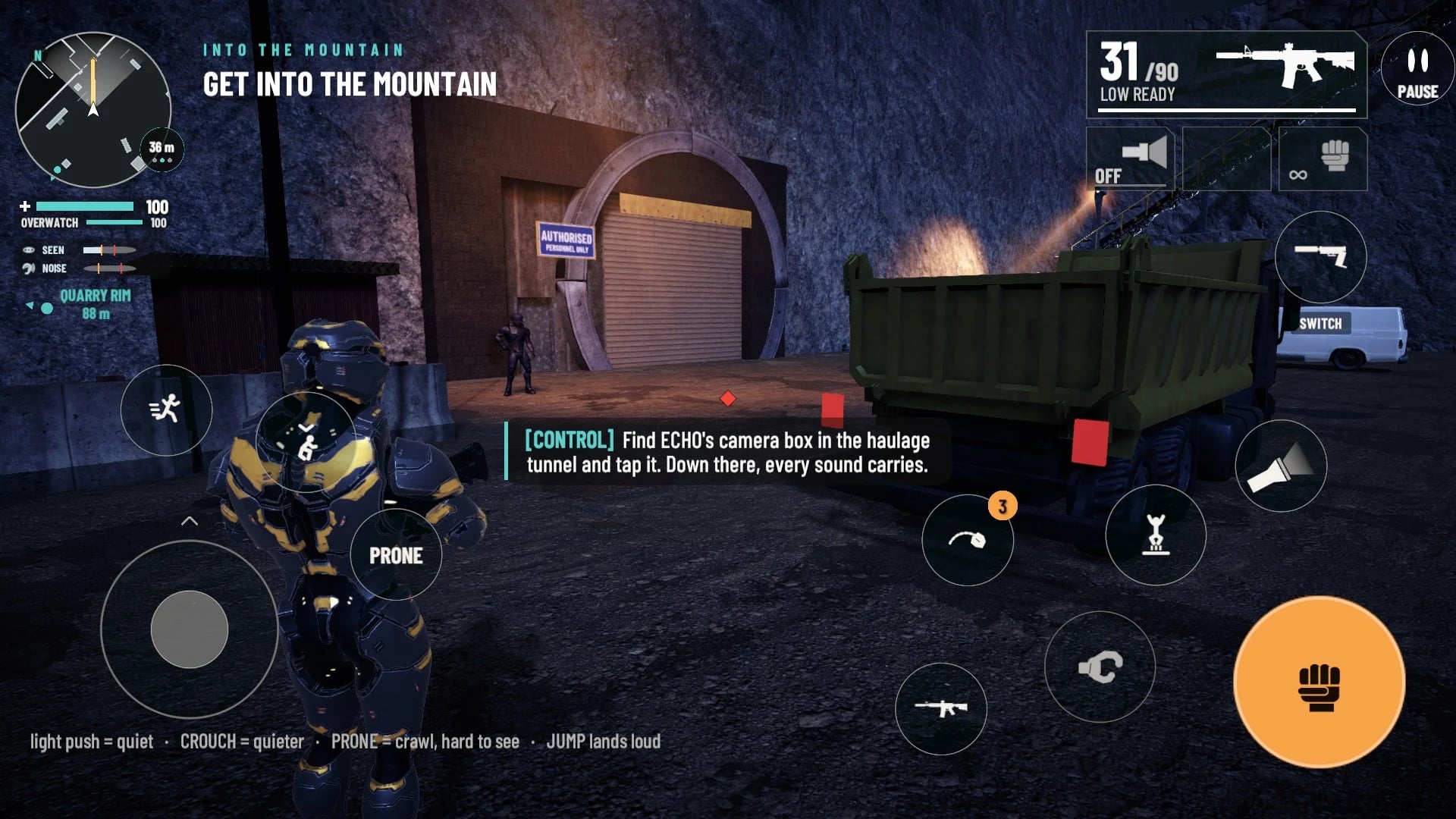
A quarry, its tunnels and the bunker under it
Copy the ledger, then cut it off together.
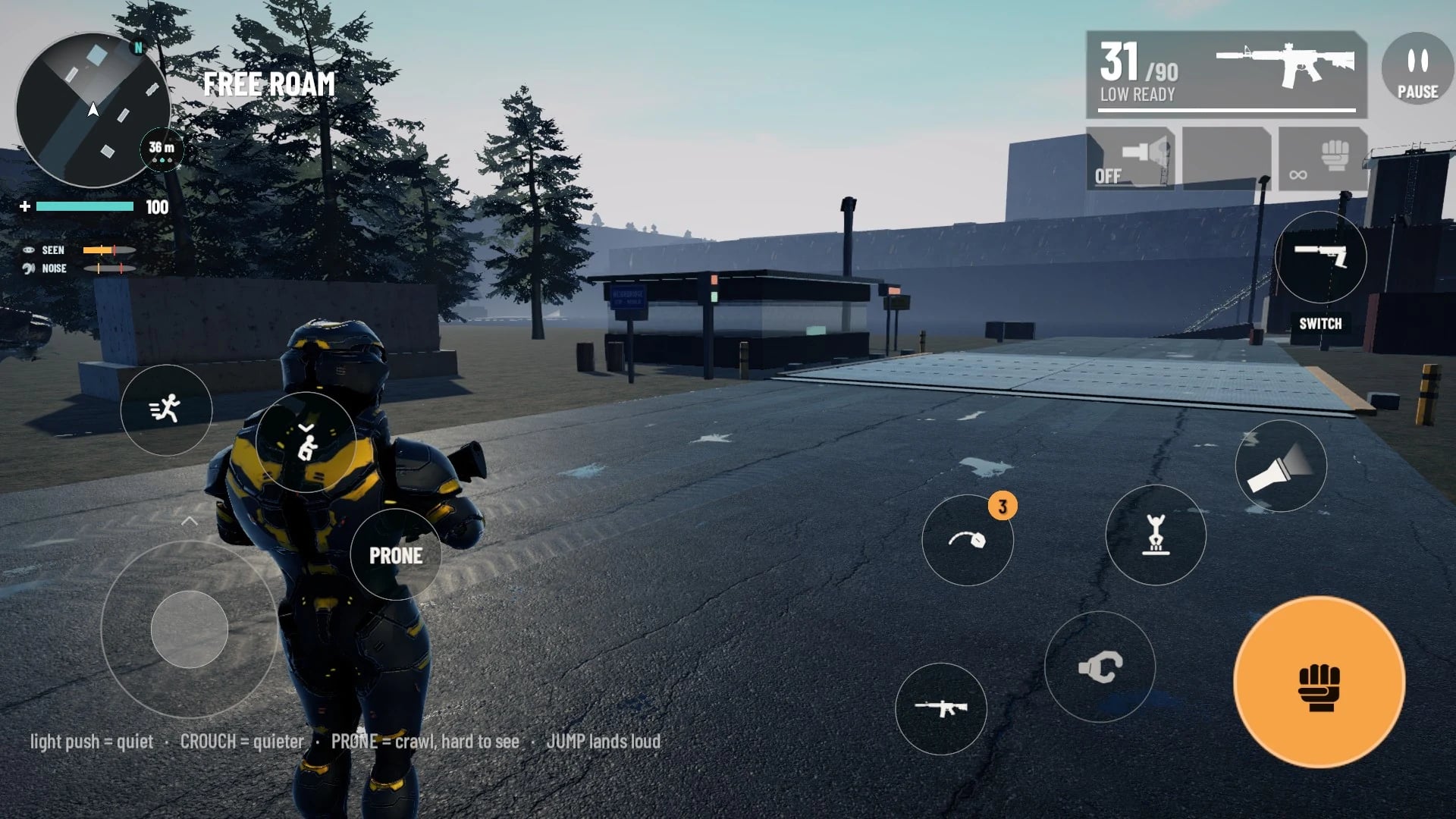
FREE ROAM joins the three places, DEPOT 9, ARDEN and KARST QUARRY, into one map, by day, with no guards, no mission and no timer: explore it alone or with a friend.
Made for the phone
Touch controls built for both seats, with a layout you can rearrange. A scope you can zoom, a minimap with a route, haptics. Graphics options for phones of different power, and a checkpoint at every stage, so a failed run resumes from the last one.
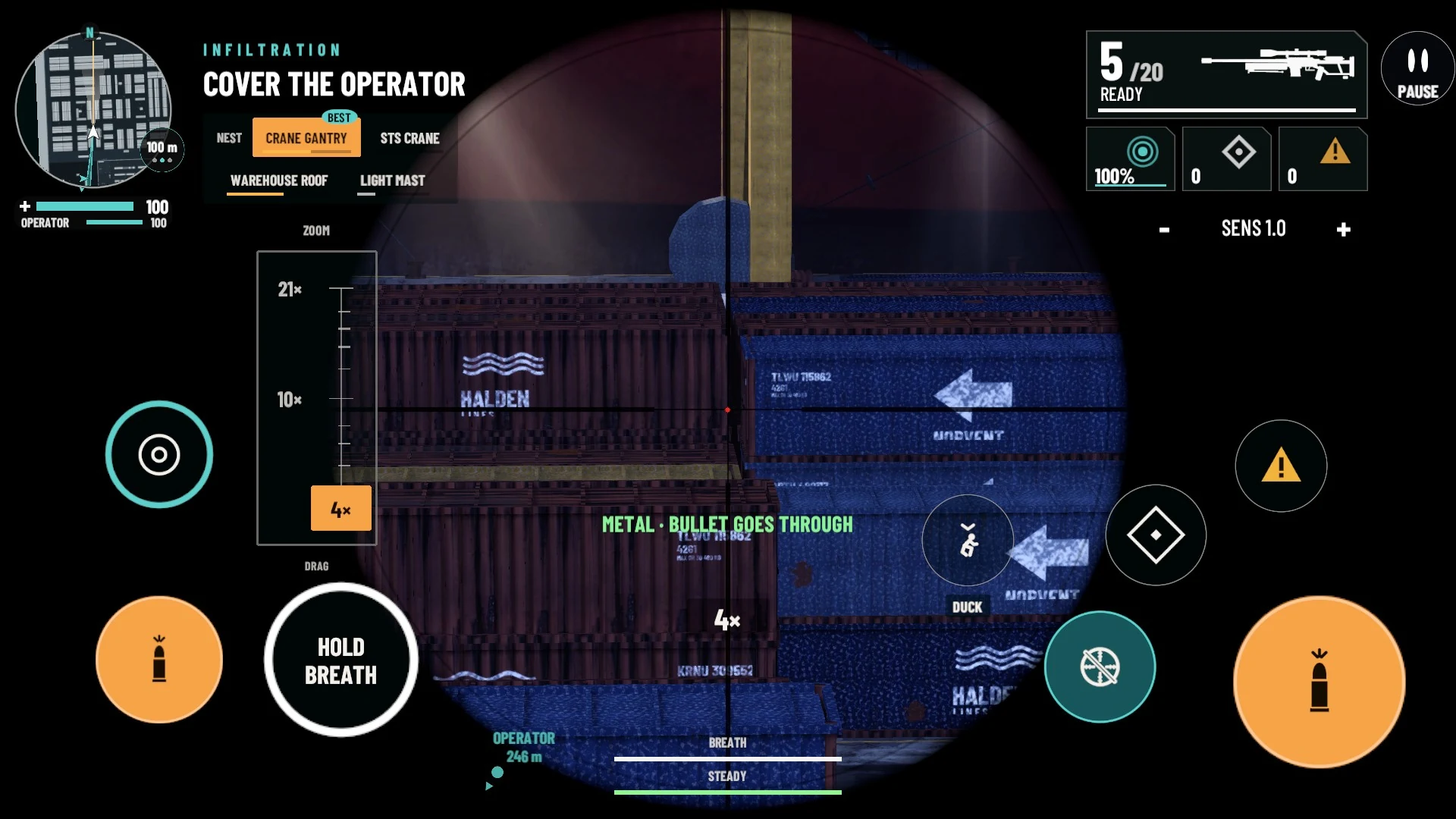
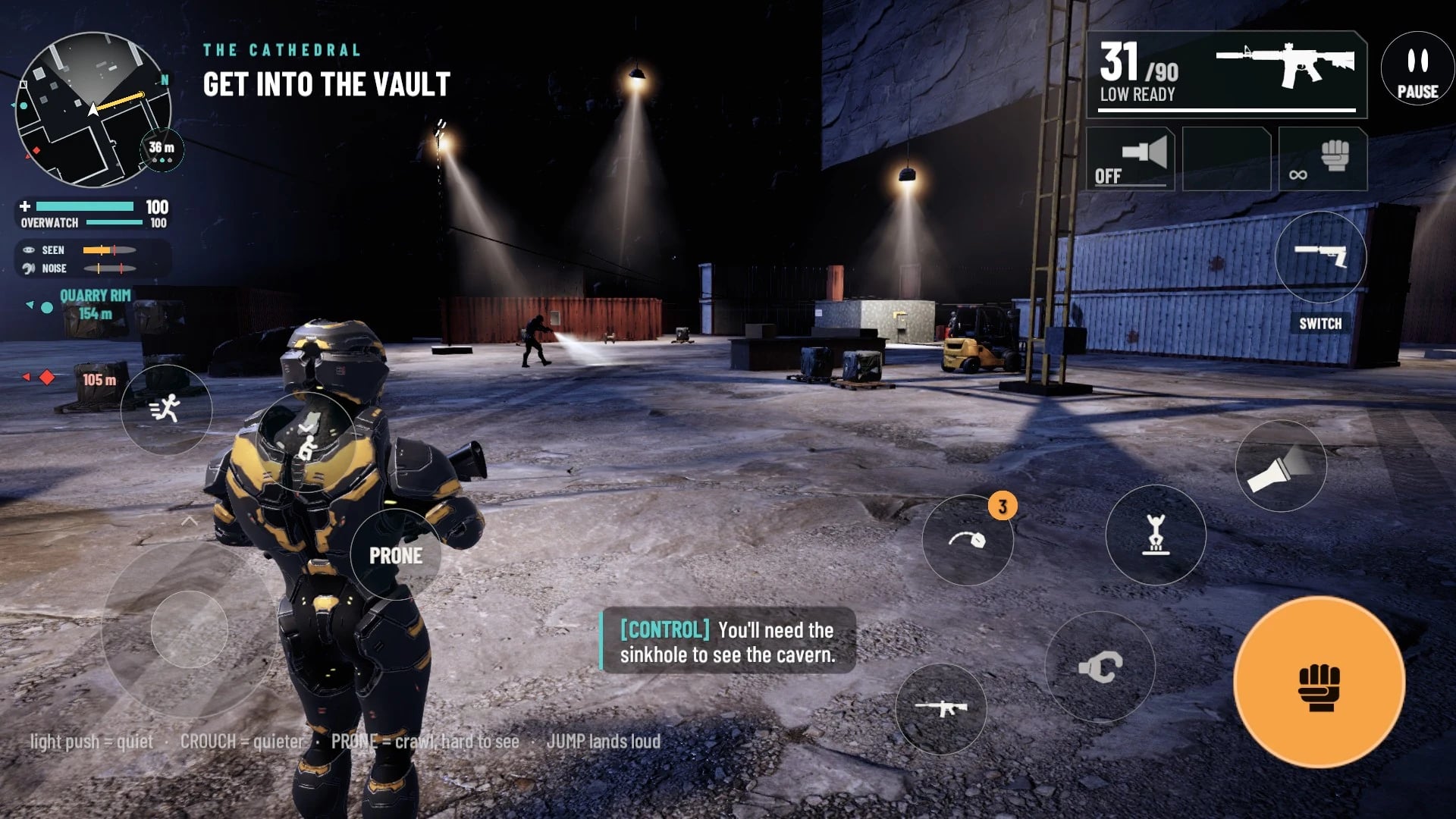
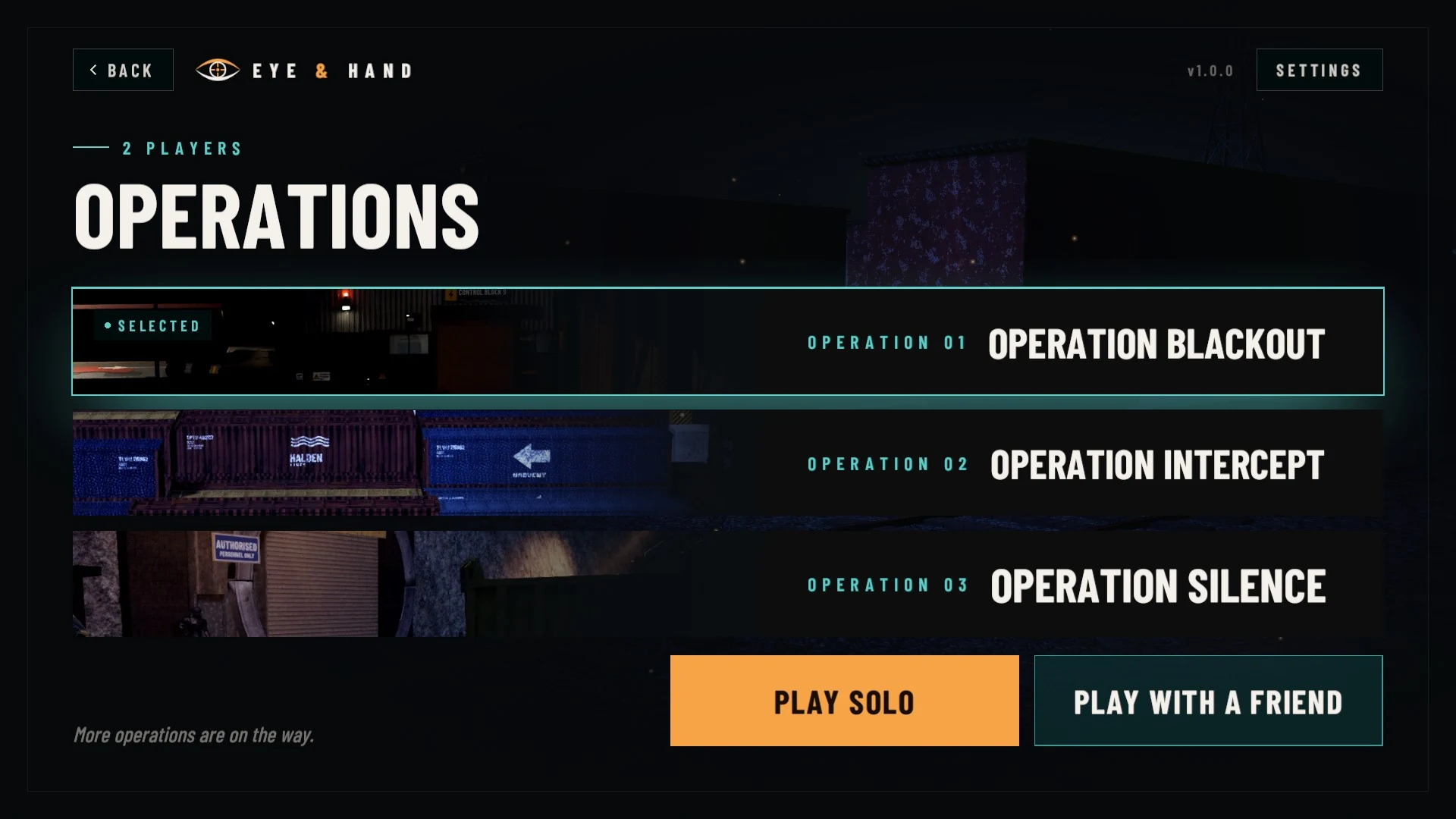
In-game captures from the English version. The Arabic version has the same screens in Arabic.
Solo, with a friend, in your language
- Solo: take either seat and an AI partner takes the other. Solo play works offline.
- With a friend: one of you hosts a room and shares its code, you pick your seats and go, with built-in voice chat that you can mute or turn off. The host chooses the time of day and the weather.
- English and Arabic, and French from version 1.3: the menus, the mission text and the radio lines, in any of them; switch at any time in Settings.
How Eye & Hand is built
Eye & Hand is developed by Zakaryae Ait Ouamer with Unity. What it runs on:
- Unity 6 with the Universal Render Pipeline, written in C#, built for iOS, Android and macOS.
- Online rooms over Netcode for GameObjects and Unity Transport, with Unity Multiplayer Services (Sessions and Relay); voice chat with Vivox.
- Maps and props prepared in Blender with a scripted pipeline, from CC0 and CC BY source assets credited in the game; Mixamo and Quaternius animation clips retargeted on the trooper.
- Automated test suites that play real operations with the AI partner in both seats, and on-device profiling on the iPhone.
Where to get Eye & Hand
- App Store Coming soon
- Google Play Coming soon
Eye & Hand is not on the stores yet; its App Store and Google Play pages will be linked here as soon as they are live. The game is free, and no account is needed. Version 1.0 has no ads and no in-app purchases; from version 1.3, one ad may show after a solo operation, and you can buy optional cosmetic items and Remove ads.
Community rules for online play
A room made with a code is private: a friend joins it only with the code you share. From version 1.3, FIND A PARTNER can also match you with another player who is searching: a stranger sees only a callsign the game makes, never your nickname, and voice chat between strangers stays off unless you both allow it. Before your first online room or search on a device, the game asks you to accept these rules:
- Be respectful. Your partner is a real person.
- No harassment, hate, threats or sexual content, in voice chat or in names.
- You can mute, block or report a player at any time: in the room, and in the menu during an operation.
After a report. The developer reads every report and answers within 7 days. If a player broke these rules, the developer can disable the anonymous online account named in the report, so that it can no longer be used to play online. Blocking does not wait for a report: a blocked player can no longer join your rooms or be matched with you, and you leave theirs. UNBLOCK ALL, in SETTINGS > VOICE CHAT, clears your block list.
Eye & Hand support
For help with the game, to report a problem or to ask a question, email contact@zakarya.dev. You can write in English, French or Arabic.
If something goes wrong, say which phone and system version you use, which operation you were playing and what happened.
Report a player. If a player breaks the community rules, in voice chat or in a room, email contact@zakarya.dev with the date and time, the room code and the player’s nickname. With a partner found through FIND A PARTNER (from version 1.3), give their callsign instead of the nickname and room code. In the game, REPORT on your partner’s card (in the room, in the menu during an operation, or from the MENU on the results screen after it) and YOUR LAST PARTNER in SETTINGS > VOICE CHAT (the last player you met online) prepare this email for you, with these details, the player’s ID and the game’s version; you add what happened and send it. In a room, REPORT asks first, then leaves the room before your mail app opens. You will get an answer within 7 days. You can also mute or block a player at any time.
Email supportPrivacy in Eye & Hand
Eye & Hand needs no account. Version 1.0 has no ads and no analytics or tracking service of its own. From version 1.3, one ad from Google AdMob may show when you leave the results of a solo operation, never during play and never online, and the game can send play statistics to Unity Analytics; where the law requires it, personalised ads and play statistics need your consent, and SETTINGS > ABOUT > YOUR ONLINE DATA > ADS AND PLAY STATISTICS lets you change your choices. The results screen of any operation, solo or online, can also offer an optional ad that doubles the MERIT earned: it plays only if you tap it. Also from version 1.3, in-app purchases go through the App Store or Google Play, and the developer never sees your payment details; signing in with Apple or Google Play Games is optional, and only then is a copy of your progress saved with Unity. The game asks once for your month and year of birth and keeps them on your device only: for a player under 16, voice chat and FIND A PARTNER are off, a parent answers a question before each purchase, and ads are not personalised. Your settings and progress are saved on your device. Online play uses Unity Gaming Services to connect you with your friend or, from version 1.3, with another player through FIND A PARTNER (a stranger sees only a callsign the game makes, and voice chat between strangers stays off unless you both allow it), and Vivox for voice chat if you leave it on; when your device is online, Unity’s engine also sends crash and error reports and basic technical telemetry. At launch and before online play, the game also fetches a small status file from this website, which lets the developer pause the game or ask players to update; it sends no identifier with it. In the game, SETTINGS > ABOUT > YOUR ONLINE DATA shows your online ID and can delete your online data. The privacy policy explains what goes where.